
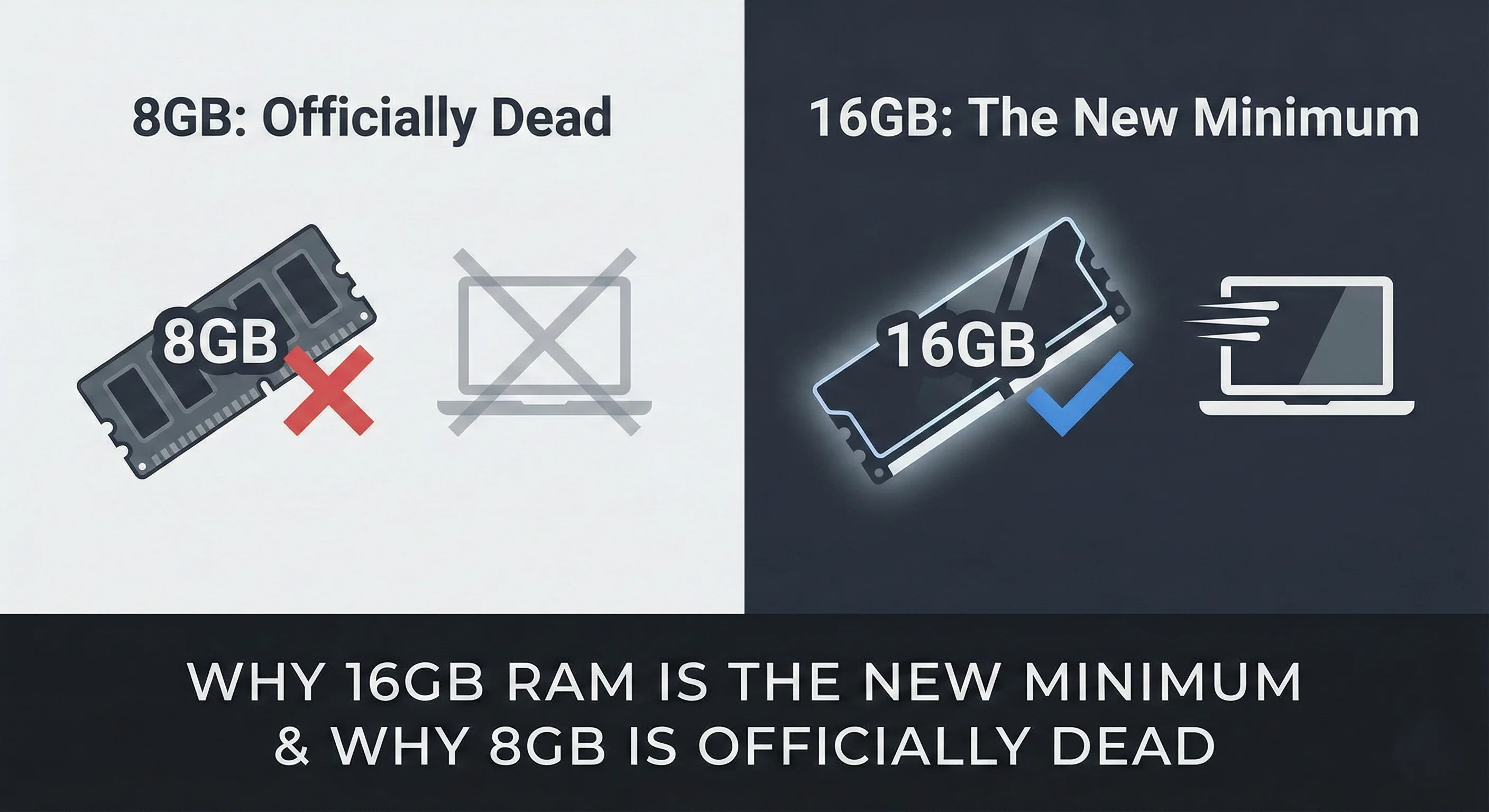
Walk into a Best Buy today and you will still see laptops with 8GB of RAM. They are priced to move, often sitting $50 cheaper than the usable models. Do not buy them.
In 2026, an 8GB laptop is not a "budget" choice. It is a financial mistake. The software requirements for Windows and macOS have shifted in the last 18 months. The old advice that "8GB is fine for basic tasks" no longer holds for typical use.
Here is the data-driven reality of why 16GB is the absolute floor, and why smart money buys 32GB.
The "Idle" Tax: Windows Has Changed
The biggest lie in tech marketing is "Minimum System Requirements."
Windows 11 (24H2) and macOS Sequoia are no longer just operating systems. They are AI platforms. Between Copilot integration, local indexing, and background telemetry, the "idle" cost of a modern computer has risen.
A clean install of Windows 11 typically uses 3-5GB of memory at idle before launching apps. If you buy an 8GB laptop, you have limited headroom. That is not enough for smooth multitasking with modern browsers and apps.
A Real-World Test
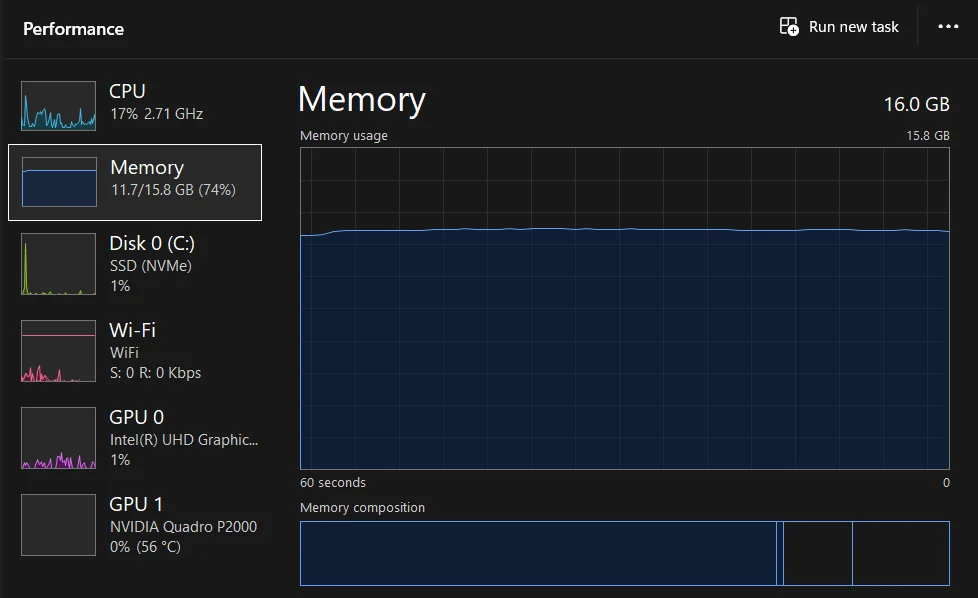
This isn't theory. I am typing this on a machine with 16GB of RAM. My workflow right now is standard for a student or office worker:
- Chrome: 10 tabs (Gmail, Docs, Research).
- Spotify: Background music.
- Discord: Chat app open.
- VS Code: One lightweight project.
The Result: Memory usage is sitting at 75%.
If I were on an 8GB machine, this workflow would trigger paging - using the SSD as fake RAM. The music would stutter. Switching tabs would take seconds. 16GB absorbs this workflow easily. 8GB chokes on it.
For Software Developers
If you write code, the "16GB vs 32GB" debate is about stability.
Web Development: 16GB is the Borderline
For standard frontend work (React, HTML, CSS), 16GB is passable. You will hover around 85% usage once you have a local server, a database, and browser dev tools open. It works, but you have zero headroom.
Mobile & Backend: 32GB is Mandatory
If you touch Android Studio, Xcode, or Docker, 16GB is tight.
- The Emulator: Running a virtual device uses 2-4GB of RAM.
- The Container: Docker containers add up. Running several plus your IDE pushes limits on 16GB.
You need 32GB for reliable work without freezes.
For Creatives: Video vs. Photo
Creative apps treat RAM differently.
Photo Editing (Photoshop/Lightroom)
16GB is fine. Unless you are compositing 50+ layers on a billboard-sized image, Photoshop runs acceptably on 16GB.
Video Editing (Premiere/DaVinci)
32GB is Mandatory. Video editors use RAM to cache the timeline.
- On 16GB: Scrubbing 4K footage is choppy; lower preview quality needed.
- On 32GB: Real-time scrubbing. The difference is significant.
Soldered RAM
Performance is annoying, but soldered RAM is where you lose money. Most modern laptops (MacBooks, Dell XPS, HP Spectre) have memory chips fused to the motherboard. You cannot upgrade them later.
- Scenario A: Buy 8GB to save $100. It slows in 12 months. Sell at a loss.
- Scenario B: Buy 32GB. It stays fast for 5-6 years.
The Strategy:
- If the RAM is Soldered: Buy 32GB upfront.
- If the laptop has Slots (Gaming Laptops/Framework): Buy 16GB now, add later.
The New Standard
Stop asking "Do I need 8GB?" Start asking "Is 16GB enough?"
The 2026 RAM Cheat Sheet:
| User Type | The Minimum | The Goal |
|---|---|---|
| Student / Office | 16GB | 16GB |
| Web Developer | 16GB | 32GB |
| Mobile / Backend Dev | 32GB | 32GB+ |
| Photo Editor | 16GB | 32GB |
| Video Editor | 32GB | 64GB |
Treat 16GB as the baseline functional requirement. It is the minimum required to run a modern operating system without frequent lag. If you want a machine that holds its value and performance for the next 5 years, aim for 32GB.